AI inside your IDE - without taking over

AI help without draining your wallet.

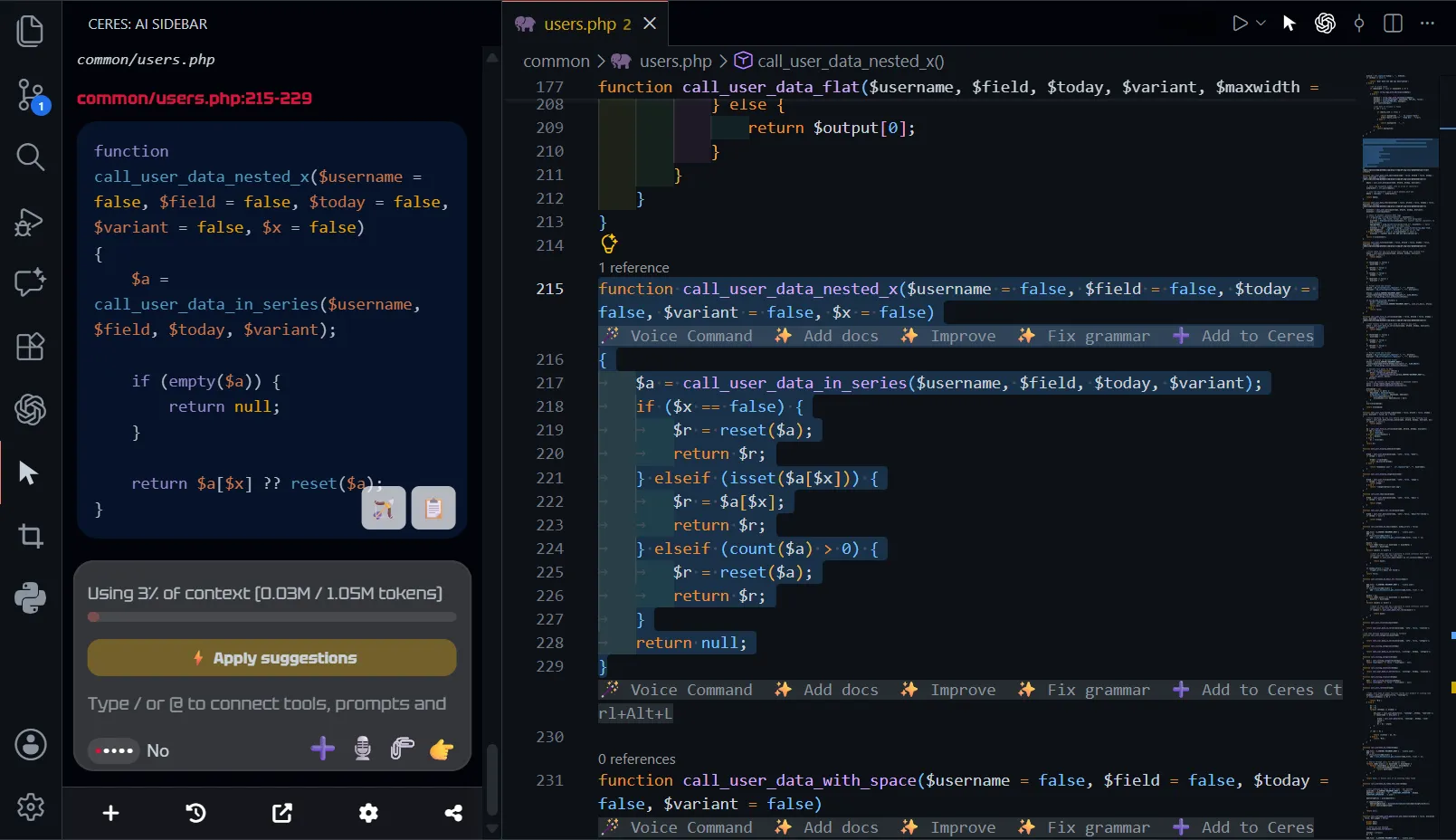
Ceres adds controlled AI help inside your IDE. Use local or affordable models, send only the context that matters, and avoid turning small coding tasks into long agent runs.

Local-First Design Budget-Friendly Stay Focused
Ceres logo
Ceres
Visual Studio Code Cursor

* Free to use. License is optional.
  • Budget-friendly AI assistant for VS Code
  • Context Aware AI Assistant for VS Code with debug overview and terminal integration
  • Image generation inside VS Code
  • Speach regognition AI commands inside vs code
  • Assistant with custom api key for your IDE loading="lazy">
Model Choice

Use the engine that fits the job

Ceres is made for developers who want freedom in model choice. Run Ollama or LM Studio on your machine, connect an OpenAI-compatible endpoint, use OpenRouter, DeepSeek, OpenAI, or another provider, and choose between stronger reasoning models or cheaper everyday options depending on the task.

Lower Usage

Budget-Friendly by Design

Ceres is for people who are tired of assistants that keep spinning, chaining actions, and turning small jobs into oversized sessions. You decide what to send, and what to apply. That keeps the workflow tighter, the usage more predictable, and the tool easier to trust.

Focused Input

Correct Context Every Time

Ceres is built around predictable context. The user gives the assistant the right file or selection, so the assistant works from what matters instead of wandering through endless files on its own. That keeps the answer focused and stops the context window from filling up with noise you did not ask for.

Multi-Input Ready

Work from real inputs

Ceres reads the material you actually want to work from: URLs, PDF files, images, audio, and broader file context from the workspace. That makes it easier to ask questions from real inputs instead of rewriting everything by hand, all inside your IDE.

Debugger Ready

Debugger State and Snapshot

Ceres can read a paused debugger session directly inside the assistant. Stack, variables, scopes, and exception details are available without manual copy-paste.

Under construction
Join the waitlist
Browser UI Context

Element Picker

Pick an element from the browser and Ceres sends the full UI context into the chat session: a rendering snapshot, the element HTML, and the related CSS. This lets the assistant work with the actual interface instead of guessing from a screenshot or a short description.

Synced Sessions

IDE & Browser Sync

Sync the Ceres session in the browser with the session inside Visual Studio Code or another IDE. The same content, context window, and chat session can stay available on both sides, so the browser and editor work from the same material.

Example: the user reads documentation in the browser, clicks Add to Chat, returns to the editor, and runs the task from the same chat context.

Ceres is made for developers who still want to see the code.

Ceres does not try to replace Cursor, Copilot, Claude Code, Codex, or Antigravity. Those tools are good enough for AI end-to-end tasks, but they can all be token-heavy because of autonomous runs.

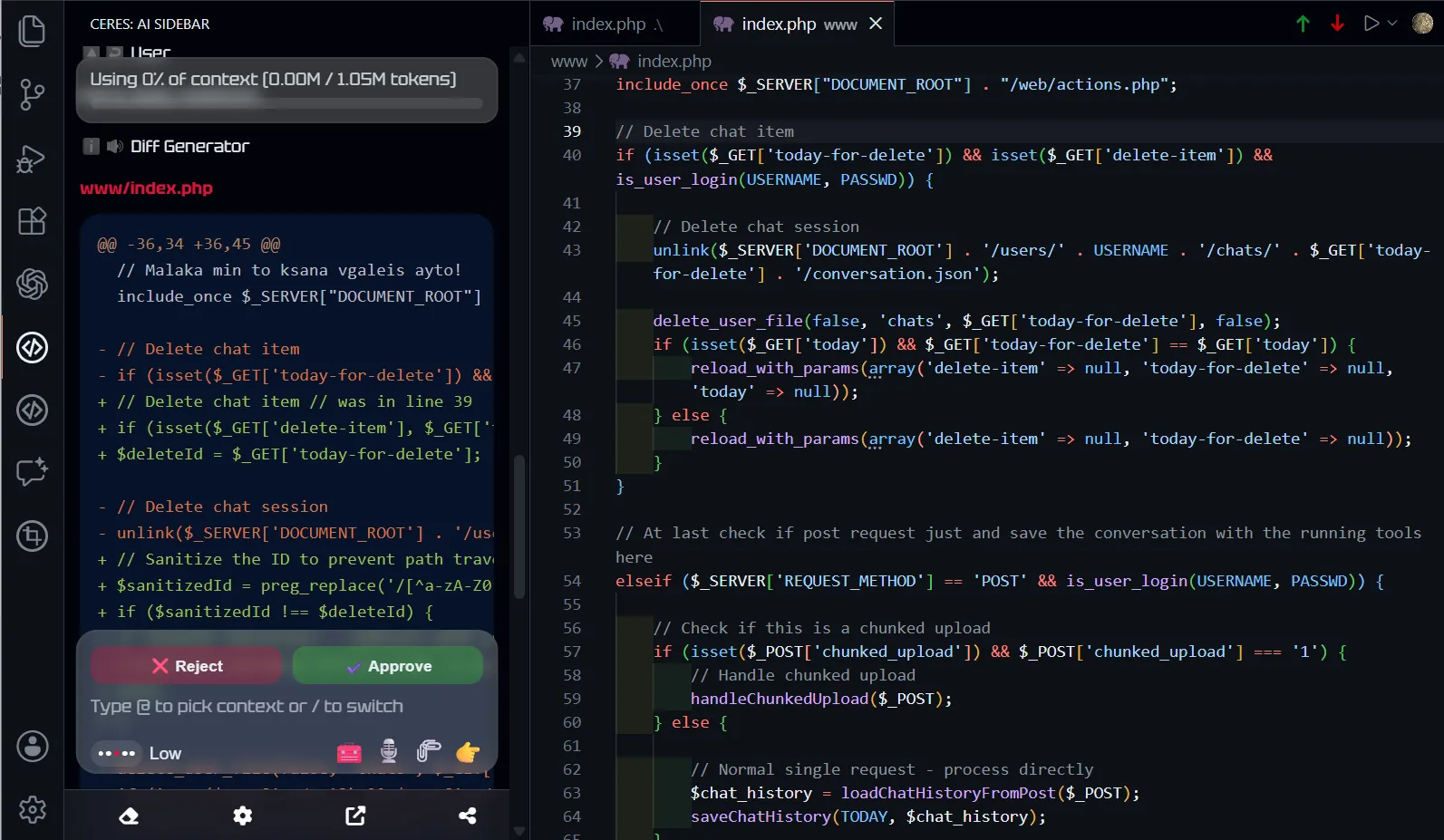
Ceres takes a different approach. Smaller steps, visible context, controlled edits, and faster progress when you are familiar with your code: an assistant that stays close to what you are already doing in the IDE.

If you want an assistant that boosts your productivity without taking over, Ceres is worth trying. It is not just an old-school assistant; it is more deeply embedded, with dictation, debugger state analysis, terminal integration, and more.

If you want to run local or budget models, Ceres may be the right choice because of its lightweight context engine.

Useful IDE context, not magic

Ceres can work with selected code, open files, workspace material, terminal output, Git history, before-pull overview, web search, URLs, PDFs, images, and debugger state.

The goal is not to guess the whole project. The goal is to help with the exact thing in front of you: explaining failures, reviewing changes, improving a function, understanding documentation, preparing commits, and using AI without turning every request into a full autonomous session.

🌐

Web Search

Look up outside information when the task needs live context beyond the files already open in the editor.

🖥️

Terminal Integration

Read and apply terminal suggestions directly in your IDE terminal.

🧾

Git Review

Understand recent changes faster when you need to pull context before making the next move.

⬇️

Before Pull Overview

Get a quick overview before pulling changes so you understand what is coming into the working tree.

Honest Comparison with IDE AI Agents

Ceres is not the best tool for every coding job. If you want a large agent to work independently, create branches, run through many files, and produce a full pull request, the bigger agent platforms may be the better choice.

Ceres is strongest when the developer wants control: private or self-hosted model support, flexible providers, cleaner context selection, debugger-aware help, terminal and Git awareness, and lower token waste for everyday editor work.

Feature Ceres GitHub Copilot Kilo / Cline Antigravity Cursor
Local models Real Theoretically Theoretically No Theoretically
End-to-end tasks No Yes Yes Yes Yes
Custom provider / BYOK Yes Yes Yes No Yes
Voice to text Yes Yes No No No
Terminal integration Yes Yes Yes Yes Yes
Image generation Yes Requires MCP Requires MCP Yes Requires MCP
Average task cost $0.20
($0.02 with budget model)
$0.80
(via subscription)
$2.00 $0.80
(via subscription)
$0.90
(via subscription)

Checked on April 12, 2026. IDE-agent workflow only. Task cost is a practical comparison, not an official vendor benchmark.

Supported AI Models

We probably already support your favorite model, from arena LLM leaders to budget-friendly options that help you spend less.

GPT logo GPT
Claude logo Claude
Gemini logo Gemini
DeepSeek logo DeepSeek
Mistral logo Mistral
xAI logo xAI
MiniMax logo MiniMax
Kimi logo Kimi
Z.ai logo Z.ai
Groq logo Groq
Together AI logo Together AI
Cohere logo Cohere
AI21 logo AI21
GPT logo GPT
Claude logo Claude
Gemini logo Gemini
DeepSeek logo DeepSeek
Mistral logo Mistral
xAI logo xAI
MiniMax logo MiniMax
Kimi logo Kimi
Z.ai logo Z.ai
Groq logo Groq
Together AI logo Together AI
Cohere logo Cohere
AI21 logo AI21

Built for focused editor work

Ceres is for developers who want AI nearby, not AI in charge. It works best when the job is already in front of you and the assistant only needs the right material to help.

Choose the context. Pick the model. Ask the question. Review the result. Apply what you need. Keep control of the code and spend less along the way without ecosystem lock-in.

If a full autonomous agent feels like overkill for the way you work, Ceres is for you.

Join the Waitlist

Login 🔓
login