Lift, Move, Copy or Delete
Point at an object to preview the selection, then click to lift it. Move it anywhere, copy it or delete it.
Fast image editing with AI • lift objects to move, copy or delete them, crop, resize, or edit screenshots. Luna prepares files faster directly inside your browser or IDE, with no upload needed.
 Add to Chrome


 Requires Google Chrome to be installed, works offline.
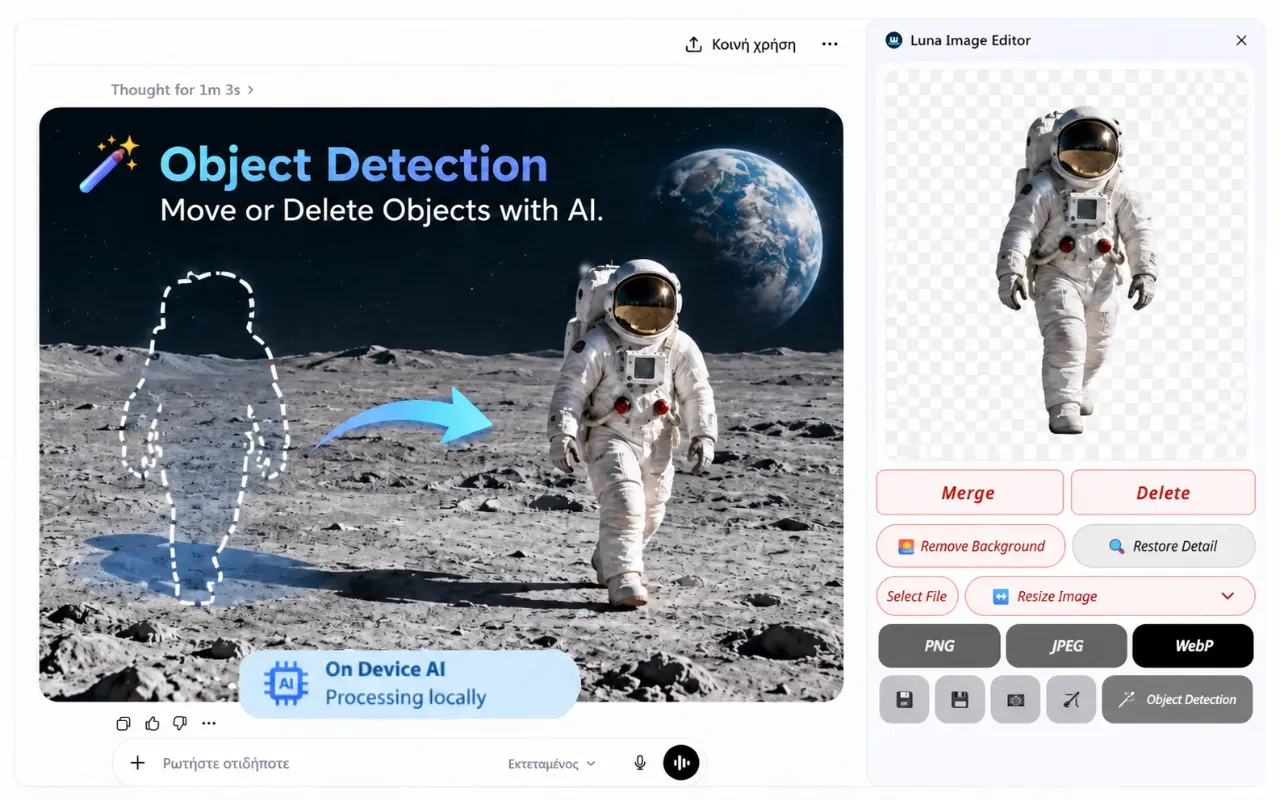
Click Lift, then select an object to move, copy or delete it. The background fills in automatically, even on plain JPG files.
Point at an object to preview the selection, then click to lift it. Move it anywhere, copy it or delete it.
The area behind the lifted object fills in automatically. Work directly with a standard image file.
Remove backgrounds and restore low-resolution image details instantly with fast local AI processing — no server uploads.
Cut out subjects, logos, or products in one click with clean transparent edges directly on your machine.
Recover lost detail and sharpen soft or low-resolution images using fast local AI processing.
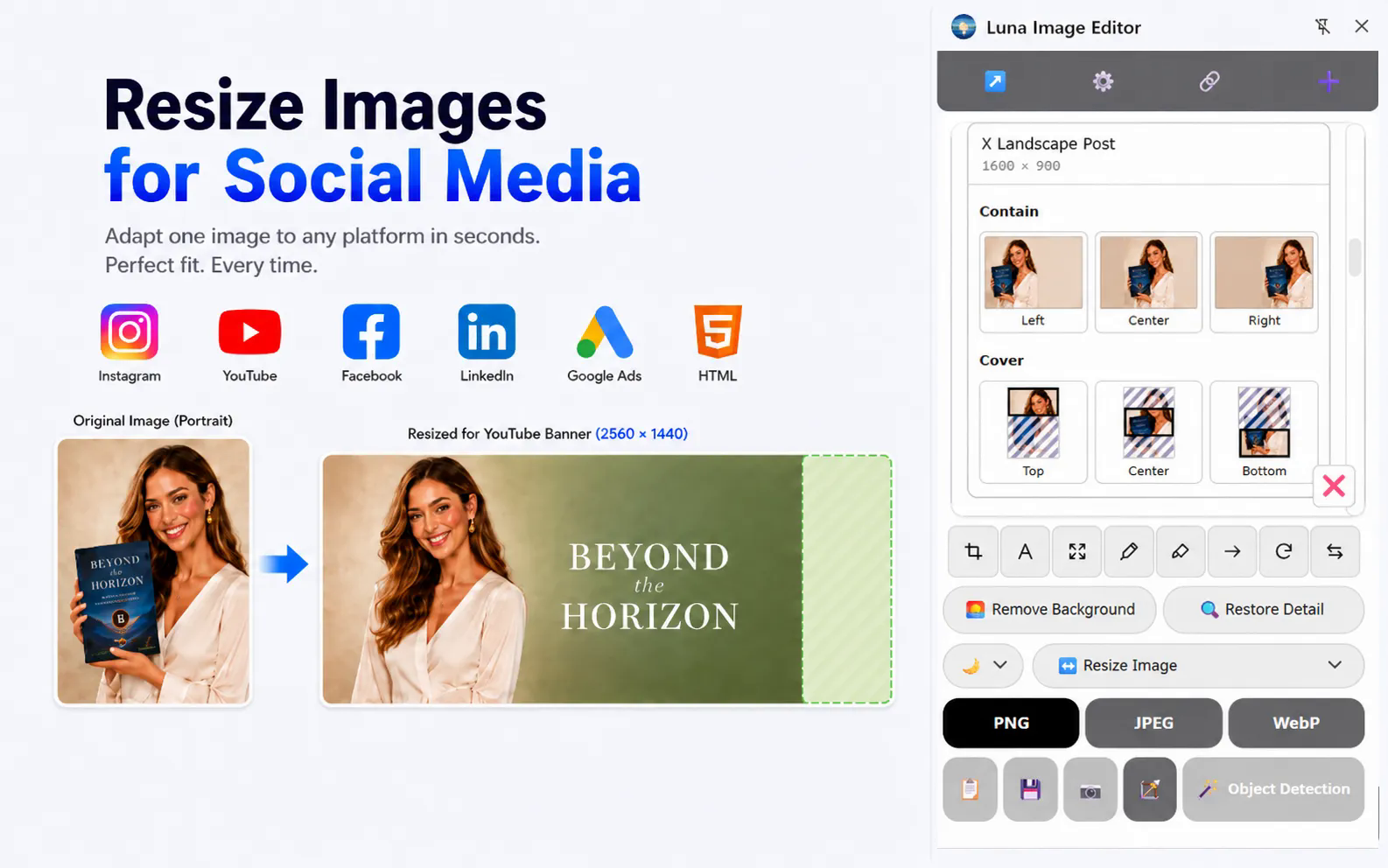
Prepare images for social media, ads, websites, and marketing using ready-made sizes and visual crop previews.
Choose the right dimensions for Instagram, Facebook, X, LinkedIn, YouTube, Google Ads, and common website assets.
Compare contain and cover options, choose the image position, and see exactly what will be cropped or added before applying the resize.
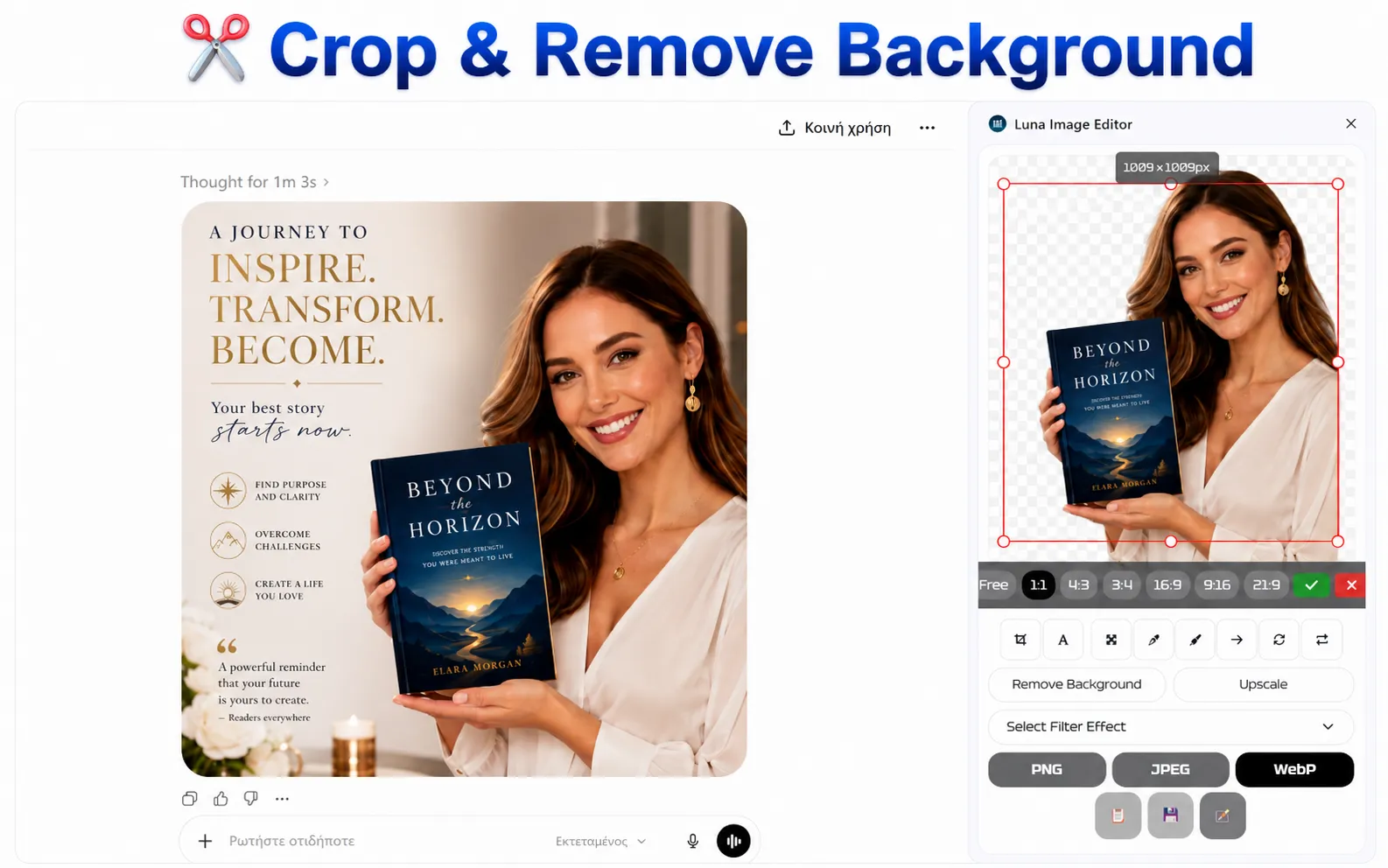
From precision cropping and quick annotations to multi-layer image composition like Canva — all right inside your browser.
Crop freely or lock aspect ratios, cut unwanted space, and frame your subject perfectly in seconds.
Add text (typing), arrows, shapes, filters, and rotation — quick Paint-style annotations directly on your image.
Place additional images, logos, stamps, and badges on top of your canvas with flexible multi-layer positioning.
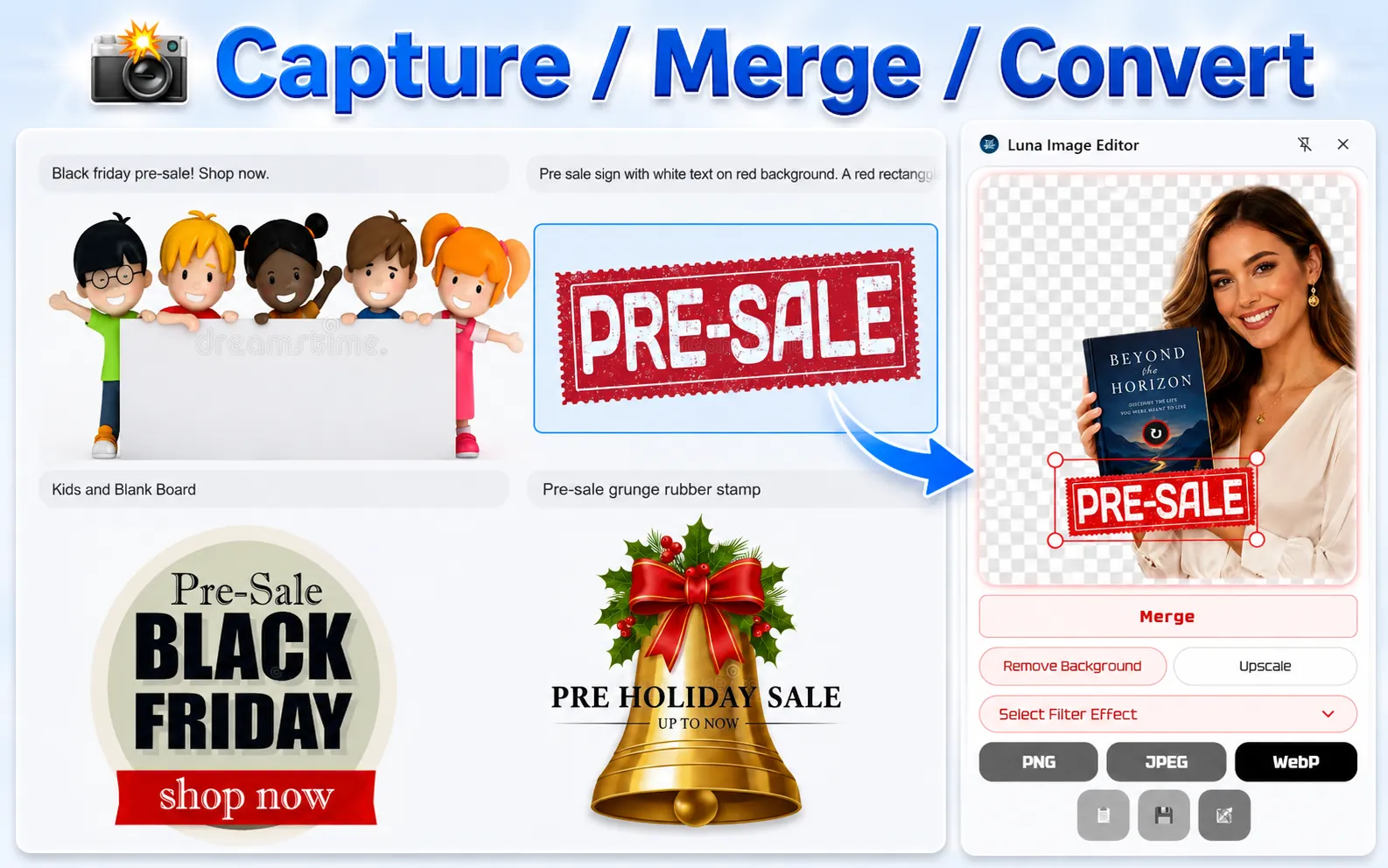
Edit your image in the browser sidebar, then drag it straight onto your page. No Save As needed. Just drag the Move button.
Edit images directly in VS Code or JetBrains, convert them to your preferred format, and use them in your project.
Push any image straight into your project from VS Code or JetBrains — start using it in your code without manual downloads or file transfers.
Pick your preferred format — WebP, PNG, or JPEG — and export it ready to upload to your server or use on your website.
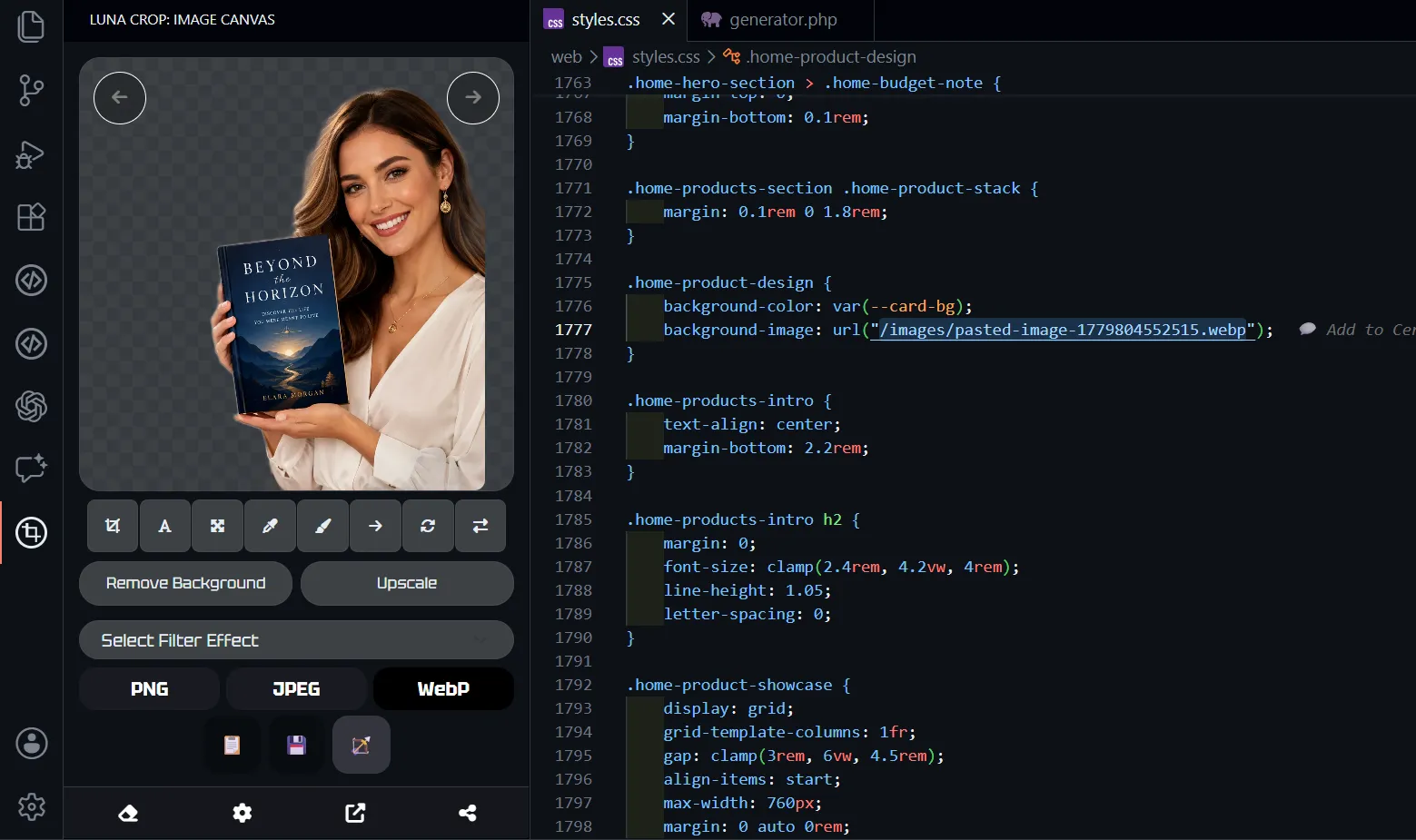
Edit screenshots, clean images, and prepare files for websites.
Requires Google Chrome to be installed, works offline.