On-Device AI assistant for your Browser 🪄
Next to your cursor when you need it, with just a button or with your voice. No typing or copy-paste required. Ceres is not only an AI sidebar, but a complete AI assistant that gives you a hands-free browser experience without subscriptions, running on your computer.
Complete productivity toolkit for the browser
For marketers, designers, secretaries, lawyers, teachers, developers, writers, support teams, sales teams, agencies, creators, students, and everyday office work, pick your favorite tool!Writing AI Assistant
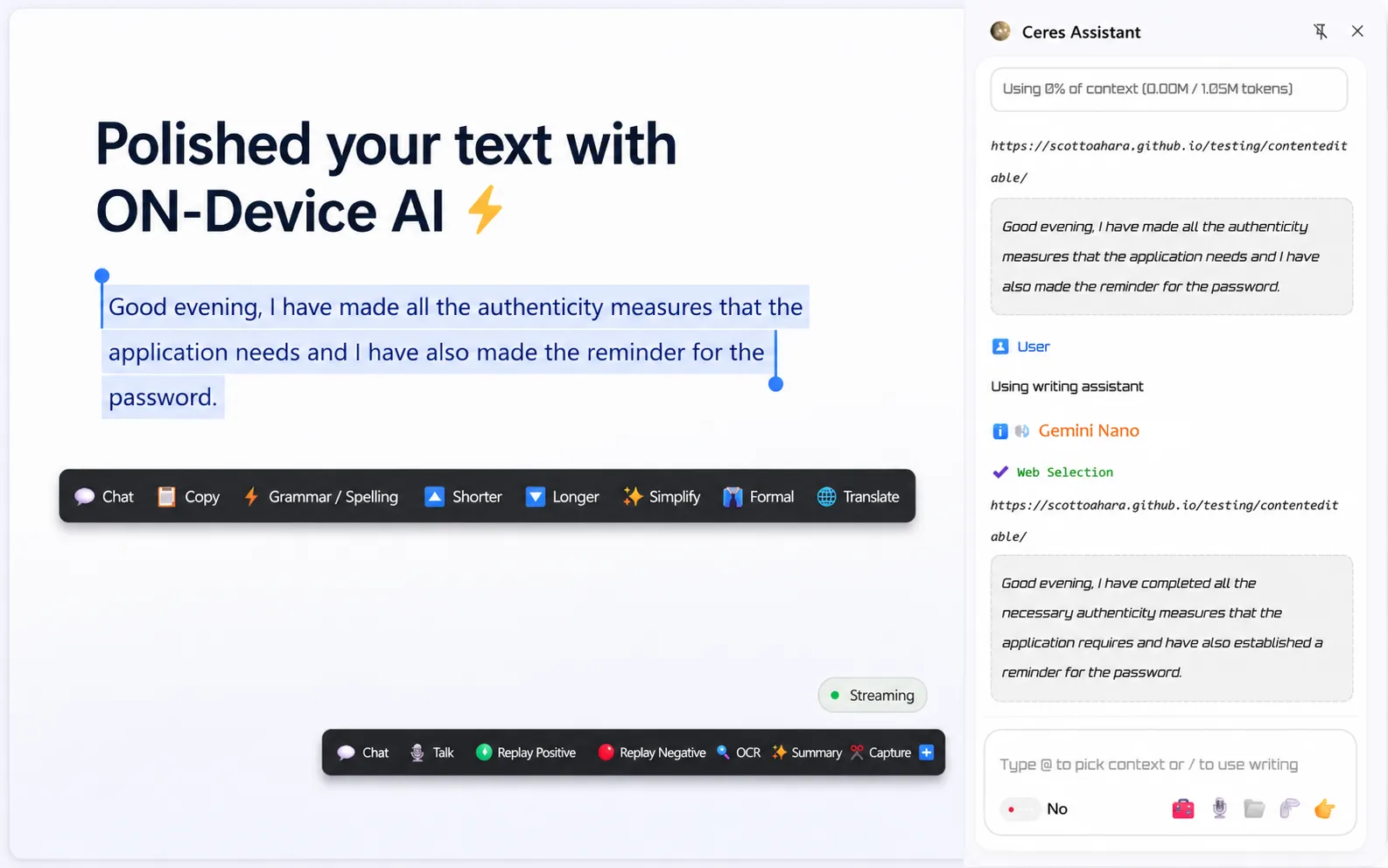
Polish and rewrite text while you work with on-device AI when available, or connect GPT, Claude, Gemini, DeepSeek, and more.
Available on your favorite platform


Voice AI Assistant
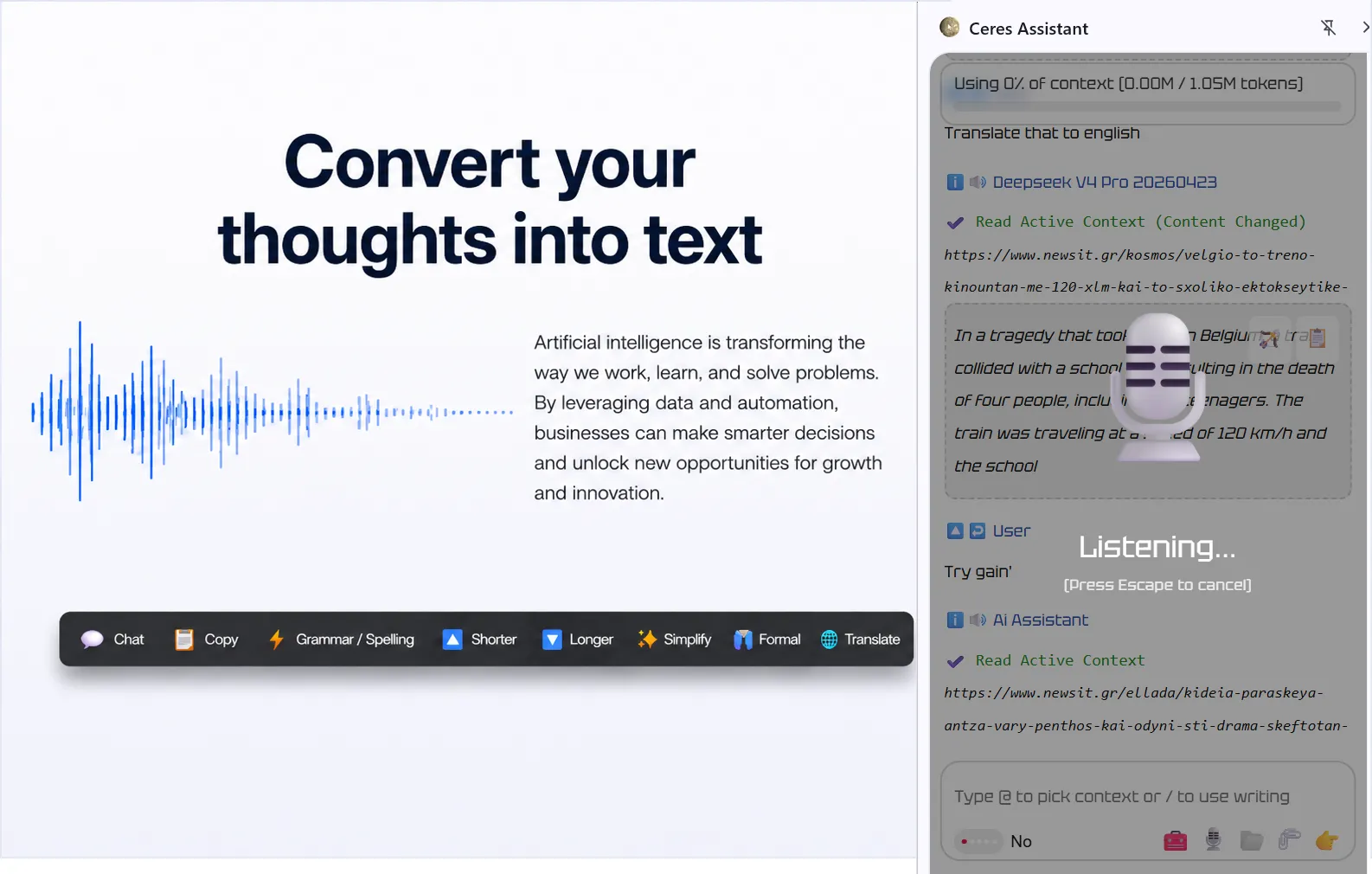
Click the 🎙️ Command button and tell Ceres what to change. Your text is transformed as you speak, without copying, pasting, or switching apps.
Available on your favorite platform
Browser AI Assistant
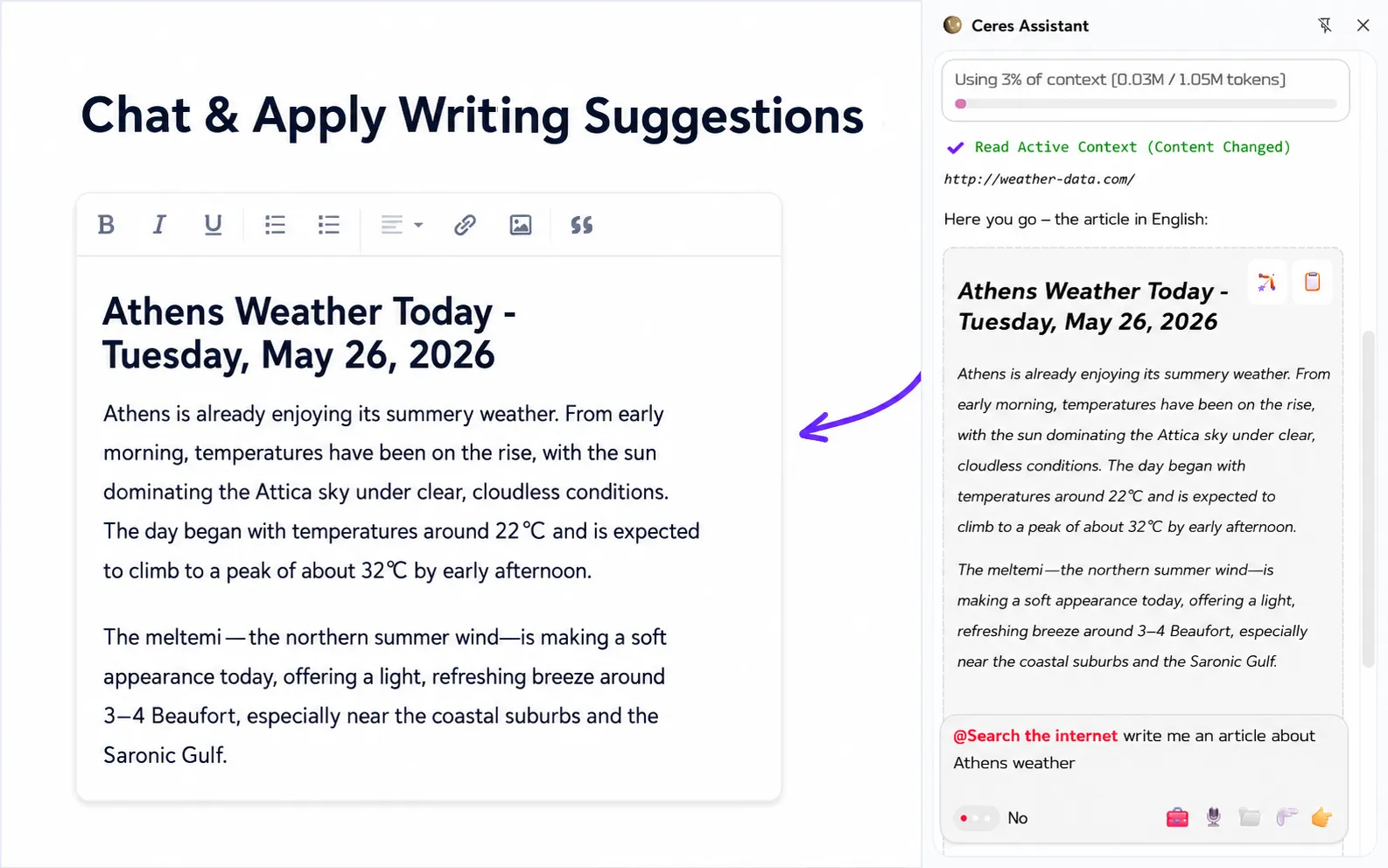
Chat with open tabs, search your content, and apply AI writing directly inside browser text fields. Work with page and tab context, summarize content, and apply AI writing directly inside browser text fields.
Works with your favorite provider

AI Image Editor
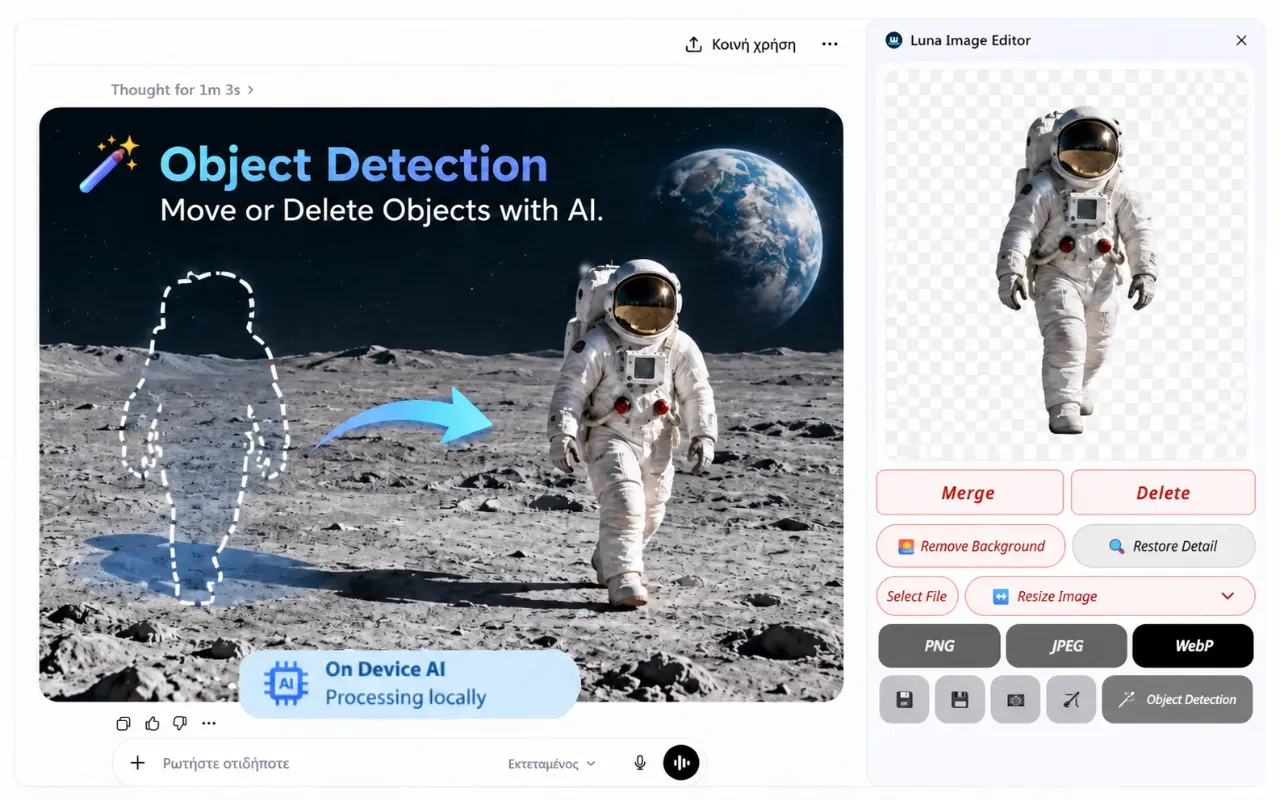
Crop, resize, remove backgrounds, and move objects with on-device AI. Work directly in your browser without uploads or subscriptions—fast, private, and offline.
Available on your favorite platform
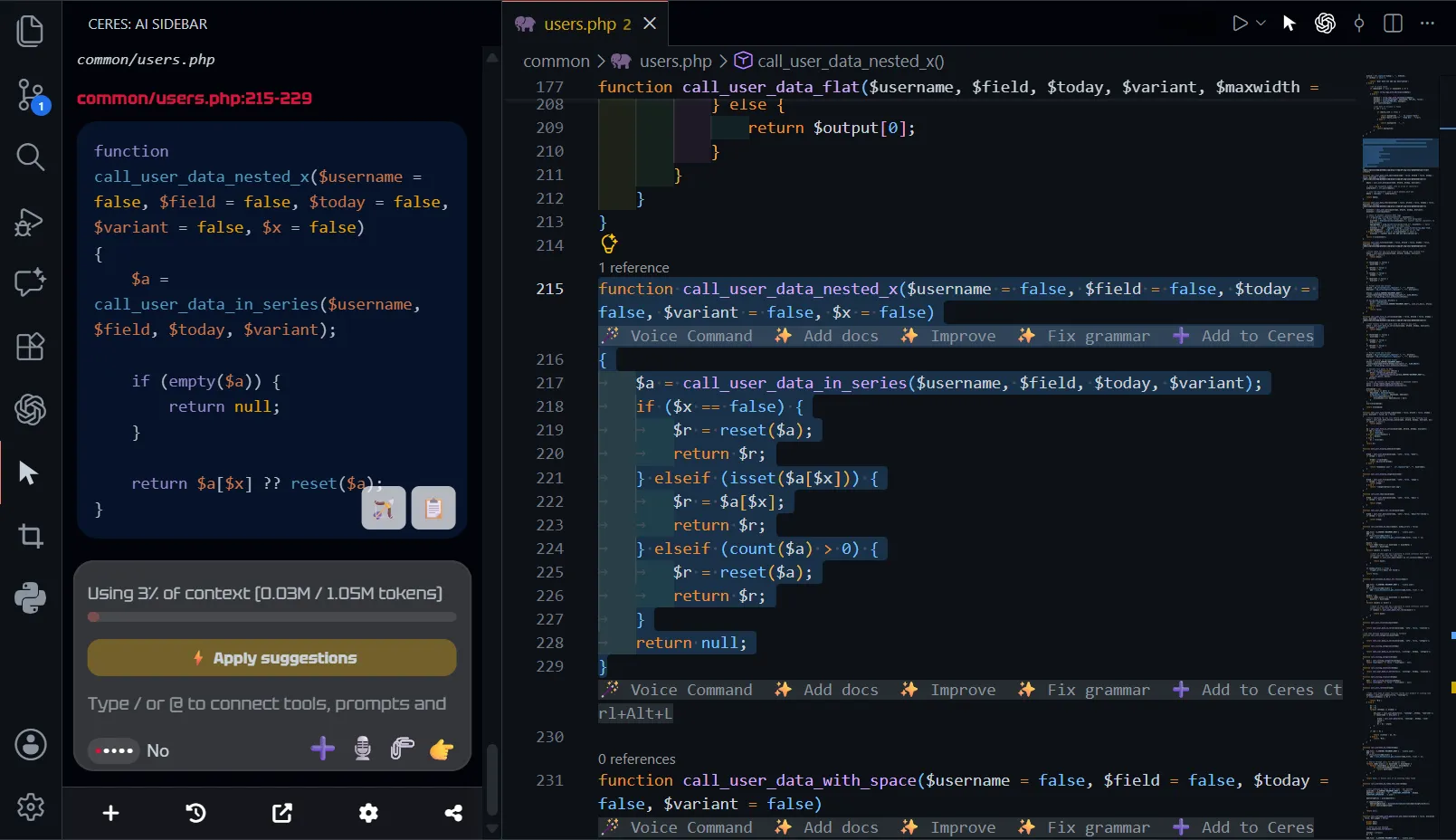
AI coding assistant
Bring a light and budget-friendly coding assistant to your IDE. Ceres searches your codebase and suggests changes without applying them automatically.
Available on your favorite platform


Ceres is powered with On-Device AI
⚡
Ceres uses local AI technology whenever possible. When more processing power is needed, connect your own provider.
Move faster with less manual work
Give superpowers to your browser and fast forward your work with Ceres.
 Local AI AssistantOn-Device AI
 Voice typing
 Floating buttons
 Apply
AI suggestions
Apply
AI suggestions Auto-detect
translations
Auto-detect
translations Speak
aloud
Speak
aloud Screenshot
tool
Screenshot
tool Fuzzy search
 Remote control
 OpenAI
compatibleProximal search
OpenAI
compatibleProximal search Budget
friendly
Budget
friendlySupported models
Use GPT, Claude, Gemini, Mistral, Mercury, DeepSeek, Kimi, and more. Select the right model for each task from the app settings.
Works inside the browser
Wherever browser text fields live: email, docs, project tools, support platforms, CRMs, social apps, and everyday web apps.
 Shopify
 Google DriveShopify
 Google Docs
 Google Sheets
 WordPress
Software that shortens your workflow
Imagine an assistant that lets you control your browser with natural language. It listens to your voice, rewrites your emails exactly as you want, and delivers the information you need, whether from web pages or local files - right at your fingertips, without opening a separate tool.
Built with openness in mind, so you can connect to any AI provider or model you prefer for better results.